fin123.dev

fin123 makes spreadsheet models behave like software.

Industrial infrastructure for spreadsheets.

The spreadsheet is the real model. Production systems just can't run it.

Analysts build valuation models, forecasts, and scenario analyses in spreadsheets. fin123 compiles those models into versioned, deterministic outputs that production systems run directly — without rewriting the logic in code.

Deterministic build + verify Batch scenario sweeps Finance-safe joins and lookups Versioned model releases Team registry + runner (Pod)
valuation_review.yaml
columns:
  - source: ticker
  - source: price
  - source: estimate
  - name: upside_pct
    expression: (estimate - price) / price

flags:
  - name: high_upside
    expression: upside_pct > 0.15

Analyst defines the worksheet. fin123 compiles it. Application runs it.

worksheet viewer · valuation_review

The application runs the compiled worksheet. No model logic in your codebase.

The problem: spreadsheets don't ship

The spreadsheet is the real model. But production systems cannot run spreadsheets.

The workflow today

An analyst builds a valuation model, an operating model, or a forecast in a spreadsheet. That model works. Then an engineer rewrites the same logic in Python or JavaScript so it can run in a production application.

What goes wrong

Now there are two copies of the model. The spreadsheet version and the code version. They drift. Nobody knows which version produced which number. When the analyst updates the model, the engineer has to rewrite it again. The cycle repeats.

What fin123 changes

fin123 compiles the spreadsheet model into a compiled worksheet that applications run directly. No rewrite. No second copy. The model is authored once, compiled once, and executed wherever it is needed.

The application never reimplements the model logic.

How it works

Three steps. No code rewrite between them.

execution model
Spreadsheet (workbook.yaml)
        |
        |  fin123 build
        v
Build Outputs (scalars + tables)
        |
        |  fin123 worksheet compile
        v
Compiled Worksheet (immutable JSON, runs headlessly)
        |
        v
Applications / dashboards / batch jobs

Author

Analysts define the model in a workbook: parameters, formulas, table plans, assertions. The model can be a DCF valuation, a revenue forecast, a credit model, a scenario analysis — anything that would otherwise live in a spreadsheet.

Compile

fin123 build compiles the model into an immutable worksheet with a deterministic content hash. The compiled worksheet contains the calculation graph, evaluated outputs, display formatting, flags, and a full audit trail.

Run

Applications run the compiled worksheet directly. The same compiled model runs in a dashboard, a batch job, a risk system, or an API. It runs headlessly, at scale, without anyone opening a spreadsheet.

GitHub for spreadsheet models

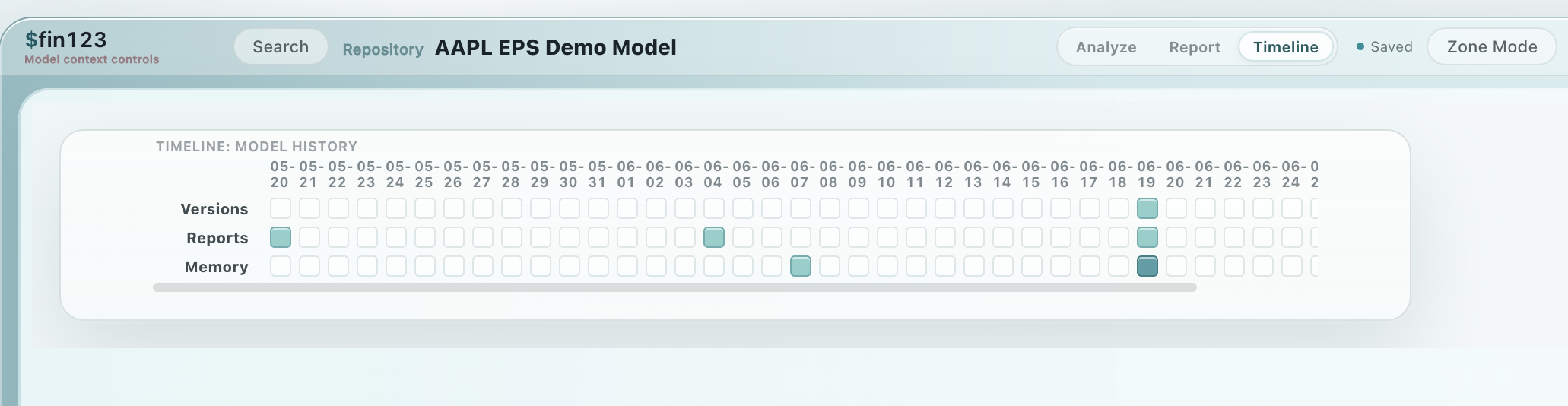
Which version of the model generated this number?

Every model in fin123 has commits, diffs, releases, and reproducible runs. When a number is produced, it traces back to a specific model version, a specific set of inputs, and a specific content hash.

This is the same discipline that software teams apply to code. fin123 brings it to spreadsheet models: snapshot the model, build it, verify the output, release it. If anything changes, the hash changes. If the hash matches, the output is guaranteed identical.

model lifecycle
fin123 commit  -> snapshot the model
fin123 build   -> compile + hash the outputs
fin123 verify  -> detect drift
fin123 release -> ship the compiled worksheet

Why this matters in finance

Regulators ask which model produced a number. Auditors ask whether the model changed between runs. Portfolio managers ask whether the forecast they approved is the same one running in production. fin123 answers all of these with a hash.

Benchmark: DCF operating model

A real analyst-style operating model running against the actual fin123 runtime. Not a synthetic micro-benchmark.

The model

Quarterly operating history for 10 tickers across 5 segments, 3 regions, and 5 product lines. 66,000 rows of historical data. The table graph derives gross profit, EBIT, EBITDA, NOPAT, FCF, and margins across all rows, then aggregates by ticker. The scalar graph runs a 5-year DCF valuation with terminal value for the selected ticker.

Current benchmark results

Operation fin123 (measured) Excel (expected)
Single build (warm) ~35 ms 2–5 s
20-scenario sweep ~1.4 s 40–100 s
5×5 sensitivity grid ~1.8 s est. 30–120 s

fin123 numbers measured on the implemented benchmark template (benchmark_dcf). Excel numbers are projected estimates pending formal validation.

run the benchmark
fin123 init bench --template benchmark_dcf
fin123 build bench                                    # single build
fin123 build bench --set active_ticker=MSFT           # change ticker
fin123 batch build bench --params-file inputs/scenarios.csv    # 20 scenarios
fin123 batch build bench --params-file inputs/sensitivity.csv  # 5x5 grid

Speed is a side effect

fin123 is not fast because it was optimized for speed. It is fast because the architecture eliminates unnecessary work.

Excel recalculates models cell by cell, propagating changes through the entire dependency graph on every input change. fin123 compiles the data-heavy parts into vectorized columnar execution plans and resolves scalar formulas in a single topological pass. Scenario sweeps reuse the same compiled execution path with different parameters.

The result is that a 66,000-row operating model builds in tens of milliseconds and a 20-scenario sweep completes in about a second. But the speed is a consequence of the architecture, not the goal. The goal is: compile the model once, run it everywhere, and know exactly which version produced which number.

One system, three products

Local authoring → embedded execution → hosted delivery.

1. Standalone spreadsheet runtime

For analysts and quants. Author and execute models locally — DCF valuations, forecasts, scenario sweeps. Deterministic builds, immutable versioning, headless batch execution. No server required.

fin123-core · open source · Apache-2.0

2. Embeddable worksheet runtime

For engineers building applications. Compile the model, ship the compiled worksheet, run it in your application. The application never reimplements the model logic.

fin123-core · open source · Apache-2.0

3. Hosted worksheet platform

For teams shipping models to production. Publish, version, and serve compiled worksheets from a central registry. Applications pull released versions over an API.

fin123-pod · requires license

Get started

Examples

fin123-examples walks through three finance use cases: DCF valuation, earnings review worksheets, and batch sensitivity sweeps.

Install

Standalone binaries (no Python required): macOS arm64 · Windows x86_64

source install + first build
git clone https://github.com/reckoning-machines/fin123-core.git
cd fin123-core && pip install -e ".[dev]"

fin123 init demo --template demo_fin123
fin123 build demo
fin123 ui demo

Hosted platform — fin123-pod

Shared state, automation, and governance for teams. Extends fin123-core with Postgres-backed infrastructure.

Worksheet registry and governance

Teams publish compiled worksheets to a shared Postgres registry. Versions are reviewed and promoted through approval stages. Applications pull released versions from the registry. The application never reimplements the model logic.

registry preview
Worksheet Lifecycle
Authoring -> Compile -> Draft -> Approved -> Released -> Alias -> Application

Latest activity:
revenue_summary v0005 compiled
revenue_summary v0004 released
production alias -> v0004

Worksheet: revenue_summary
v0005   draft      approve
v0004   released   archive
v0003   archived

Shared registry and runner

SQL sync pulls Postgres tables into local parquet caches with full audit trail. Bloomberg and plugin connectors bring vendor data into the same governed sync path. A Postgres-backed registry stores model versions, builds, and releases. The headless runner executes models by (model_id, model_version_id) with parameter overrides.

Production mode governance

Builds can be blocked on import parse errors, missing SQL schema guards, missing plugin pins, or an unreachable registry. Releases are gated on verify pass. Assertions with severity error hard-fail builds.

Contact for access
Pod is closed source. It depends on fin123-core (open source) and adds enterprise capabilities. The core engine works fully standalone without Pod. Contact us for licensing.